


I need to start off by saying how much I love FreeCAD! What I love about it is how customizable the application allows you to be.
One of the ways I improve my CAD workflow in FreeCAD is by enabling keyboard shortcuts to display different 3rd angle perspective views based on how they are on the keyboard. I mapped the views to a keypad because that’s how my mind works.
I will take this part for instance:
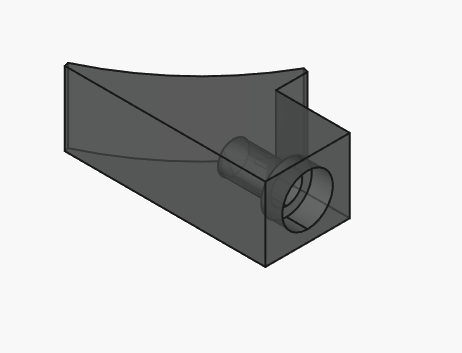
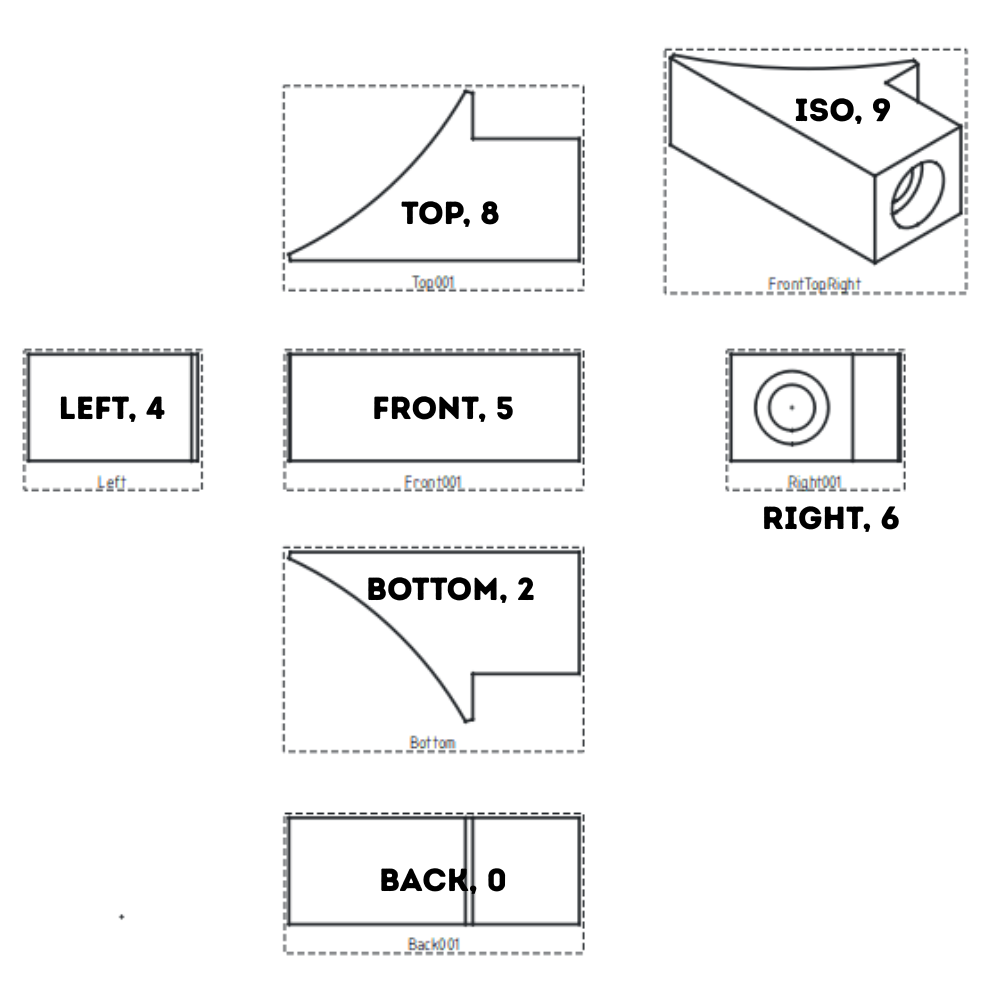
This configuration is based on a standard keypad arrangement.
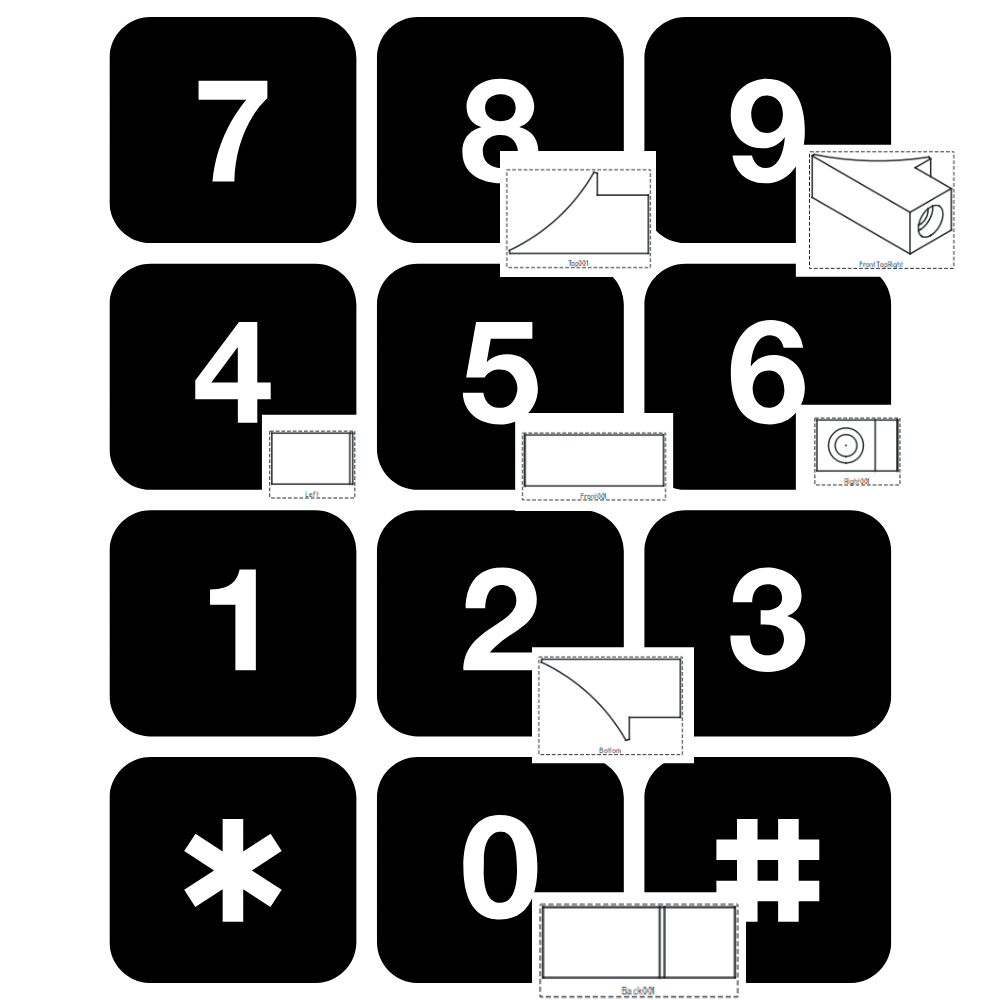
To set this up in FreeCAD,
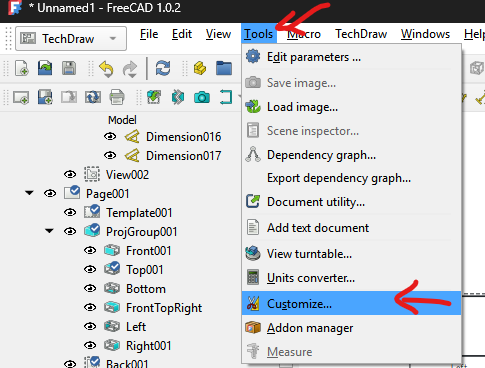
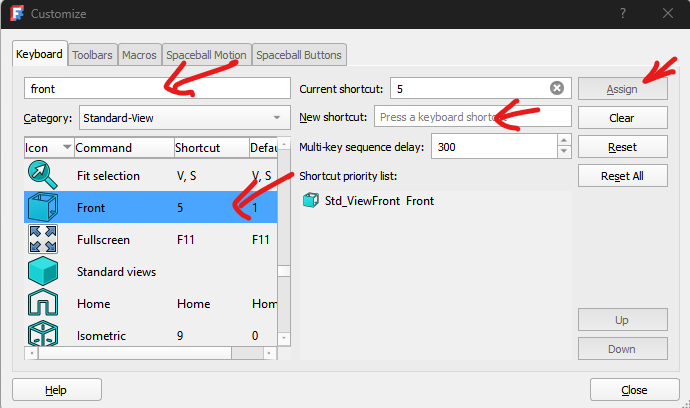
- Navigate to TOOLS >> CUSTOMIZE…
- Search for each view (under the Keyboard Tab)…”Front”, “Left”, etc…
- Add the shortcut key in the New shortcut: field
- Click on Assign when you’re done
- Close out of the Customize menu
- Test it out!
If you want to learn more about FreeCAD, or want personal lessons, Contact Me!